
Best WhatsApp AI Chrome Extensions in 2026 (6 Tools Compared)
A neutral comparison of the best WhatsApp AI Chrome extensions in 2026 — auto-reply, AI chatbot, voice transcription and CRM tools, with real Chrome Web Store ratings, how each handles the AI, pricing, and how they compare to the WhatsApp Business API.
A WhatsApp AI Chrome extension bolts AI onto WhatsApp Web — auto-replies, a chatbot, voice-note transcription, translation, or a CRM — without touching the WhatsApp Business API. You install it, open web.whatsapp.com, and it works on the number you already use. That's the appeal: no Meta verification, no message templates, no per-message fees.
The catch is that "WhatsApp AI extension" covers wildly different tools — a voice transcriber and a bulk-messaging CRM are both in that bucket — and they handle the AI in three fundamentally different ways. This guide compares six of the most visible ones, with their real Chrome Web Store numbers (ratings and install counts verified July 2026), what each is actually good at, how they price, and where a Chrome extension stops making sense and the Business API begins.
Key takeaways
- The three heavyweights by install base are WAPlus (70,000 users), Kaption (40,000), and Eazybe (30,000) — but each wins a different job: all-in-one CRM, voice notes, and sales-CRM depth respectively.
- Install count doesn't equal search visibility: Lion CRM has only ~129 users yet outranks far bigger tools on Google, purely on content depth.
- How the AI is wired in — bring-your-own-key, managed/built-in, or single ChatGPT wrapper — usually matters more to your day-to-day than which model brand is named.
- None of these need the Business API, but they also can't do what the API is for (verified badge, high-volume broadcasts). Know which side of that line you're on before you pick.
On this page
- What a WhatsApp AI Chrome extension actually does
- The 6 best extensions at a glance
- The extensions, one by one
- BYO-key vs managed vs ChatGPT-wrapper
- Chrome extension vs the WhatsApp Business API
- Will an auto-reply extension get you banned?
- How to set one up
- Which should you pick?
- FAQ
What a WhatsApp AI Chrome Extension Actually Does
Every one of these tools runs as a browser extension that injects UI into WhatsApp Web. Because it rides on top of the session you scan with your phone, it needs no separate number and no API access. From there, the feature sets diverge into a few recurring jobs:
- AI auto-reply / chatbot — reads an incoming message and drafts (or sends) an answer. See our full WhatsApp AI auto-reply guide for how the reply modes work.
- Voice-note transcription — turns audio messages into text and summaries.
- Translation — two-way translation so you can talk across languages.
- CRM — labels, contact notes, pipeline stages, and sync to HubSpot/Salesforce/Zoho.
- Bulk / scheduled sending — broadcast to many contacts or queue messages for later.
Almost no single extension does all of these well. The comparison below is really about which job you're buying for.
The 6 Best Extensions at a Glance
| Extension | Form | How the AI works | Needs Business API? | Price | Best for |
|---|---|---|---|---|---|
| WAPlus CRM | Chrome extension | Managed (DeepSeek built-in) | No — via WhatsApp Web | Free; paid $9.99–$24.90/user/mo | All-in-one CRM + bulk + AI |
| Kaption | Chrome extension | Managed (transcription-focused) | No — via WhatsApp Web | $1.99 / $4.99/mo | Voice-note transcription |
| Eazybe | Chrome extension | Managed (AI agents) | No — via WhatsApp Web | Free trial; paid per user | CRM-heavy sales teams |
| Lion CRM | Chrome extension | Bring-your-own-key (ChatGPT/Gemini/DeepSeek) | No — via WhatsApp Web | Paid + your own AI usage | DIY / white-label resellers |
| waGpt | Chrome extension | Single ChatGPT wrapper | No — via WhatsApp Web | Free | Casual ChatGPT-style replies |
| WA AI Pro Lite | Chrome extension (+ desktop app) | Managed (built-in, no key) | No — via WhatsApp Web | 7-day free trial | AI replies grounded in your business data |
Ratings and install counts (from the Chrome Web Store, July 2026): WAPlus 4.9★ / 3,821 ratings / 70,000 users; Kaption 4.8★ / 3,865 ratings / 40,000 users; Eazybe 4.5★ / 1,102 ratings / 30,000 users; Lion CRM 5.0★ / 4 ratings / 129 users; waGpt 3.0★ / 262 users.
The Extensions, One by One
WAPlus CRM — the popular all-rounder
WAPlus is the most-installed tool on this list (70,000 users, 4.9★). It's really a WhatsApp CRM with an AI chatbot layered on: bulk import and broadcast, scheduled sending, conversation labels, contact notes, translation, and sync to HubSpot, Salesforce and Zoho. The AI chatbot is managed — it runs on DeepSeek under the hood, trained by importing your documents, so there's no key to configure. There's a genuinely usable free tier, with paid plans from $9.99 to $24.90 per user per month.
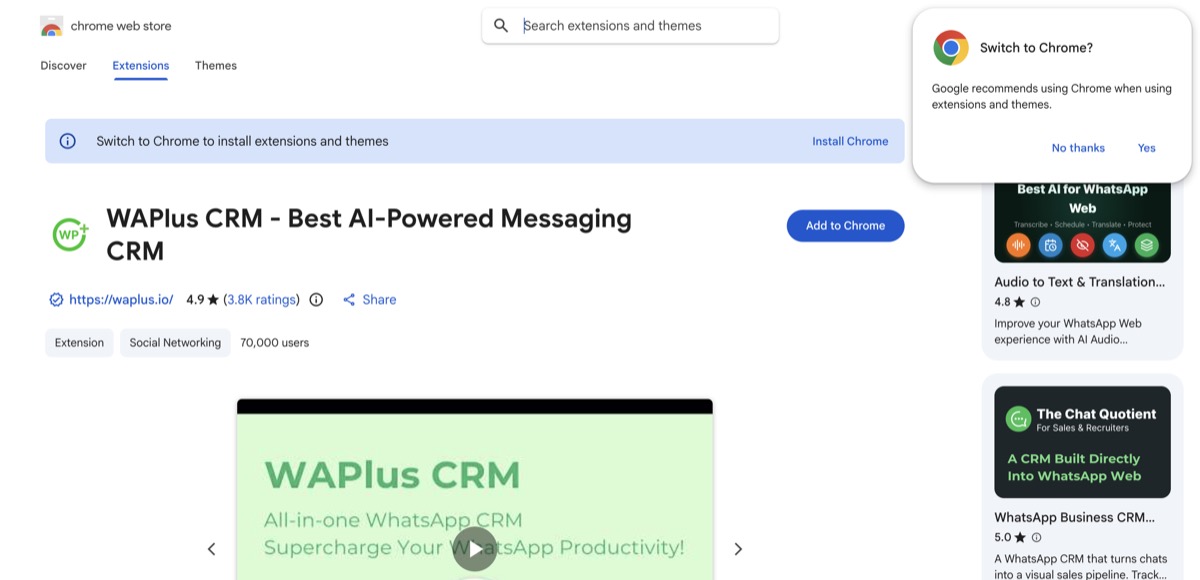
WAPlus leads on install base and reviews — its strength is breadth (CRM + bulk + AI in one), not depth in any single area.
Kaption — the voice-note specialist
Kaption (listed as "Audio to Text & Translations in WhatsApp Web") does one thing extremely well: it transcribes WhatsApp voice notes into text, adds a summary for long ones, and suggests one-click replies — all inside WhatsApp Web. At 40,000 users and 4.8★ across 3,865 ratings, it's the tool to reach for if audio messages are eating your day. Pricing is the cheapest here, at $1.99 and $4.99 per month. It is not a general auto-reply or CRM tool — buy it for voice, nothing else.
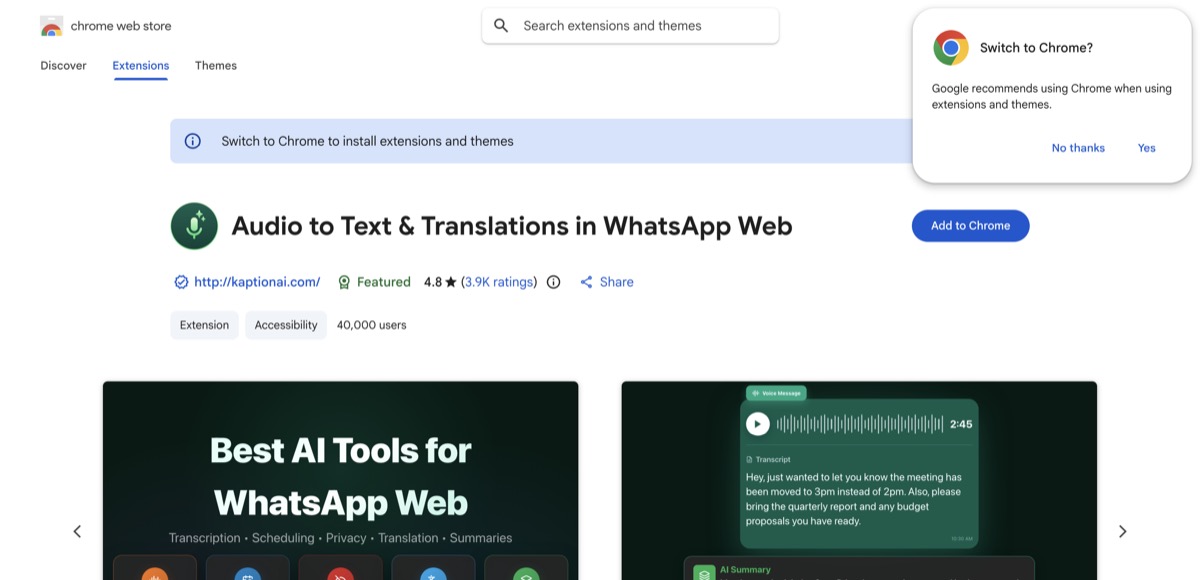
Narrow by design: Kaption wins the voice-transcription job and doesn't pretend to do the rest.
Eazybe — for CRM-heavy sales teams
Eazybe positions itself around AI agents plus deep CRM integration — HubSpot, Salesforce, Zoho, Pipedrive, Bitrix24, LeadSquared, Google Sheets, and webhooks. Its AI agents (support, sales, lead-qualification) answer from your CRM data and auto-sync chats back to the right contact. It's a fit for teams whose WhatsApp lives inside a bigger sales stack, not for a solo owner who just wants smarter replies. 30,000 users, 4.5★. Pricing is per active user, with a free trial and AI features on higher tiers.
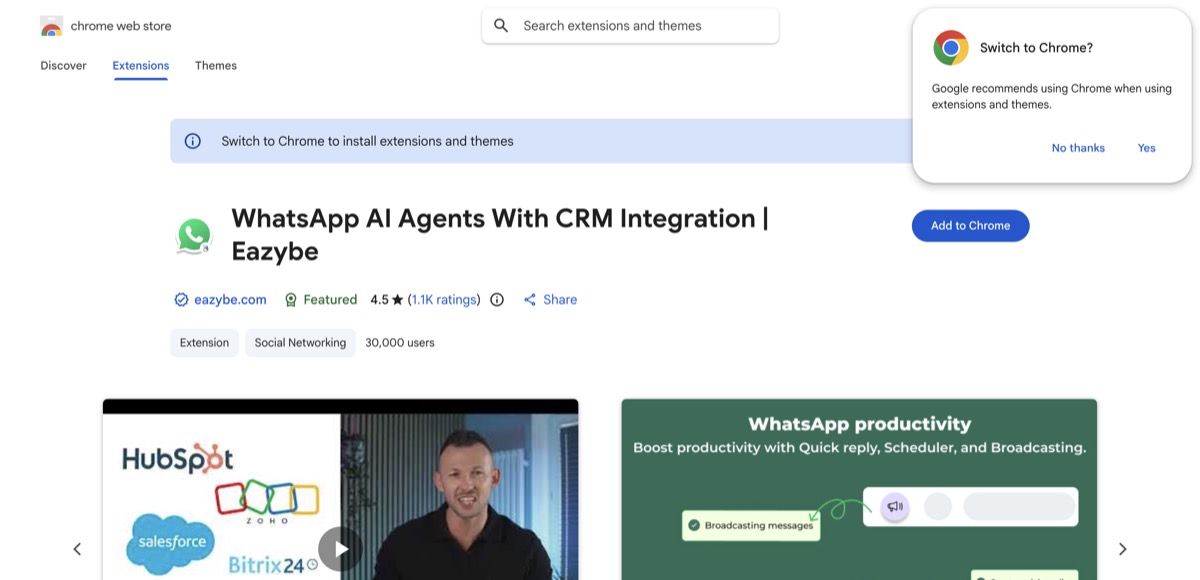
Eazybe's edge is CRM depth. If you don't run HubSpot/Salesforce/Zoho, most of what you're paying for goes unused.
Lion CRM — bring your own AI key
Lion CRM is the clearest bring-your-own-key tool: you register with OpenAI, Google or DeepSeek, top up credit, paste your API key, and the extension uses it to auto-reply, book appointments and update contacts. It's also sold white-label to resellers. That flexibility is the whole pitch — and its weakness, because you now manage a second account, a second bill, and any broken-key errors yourself.
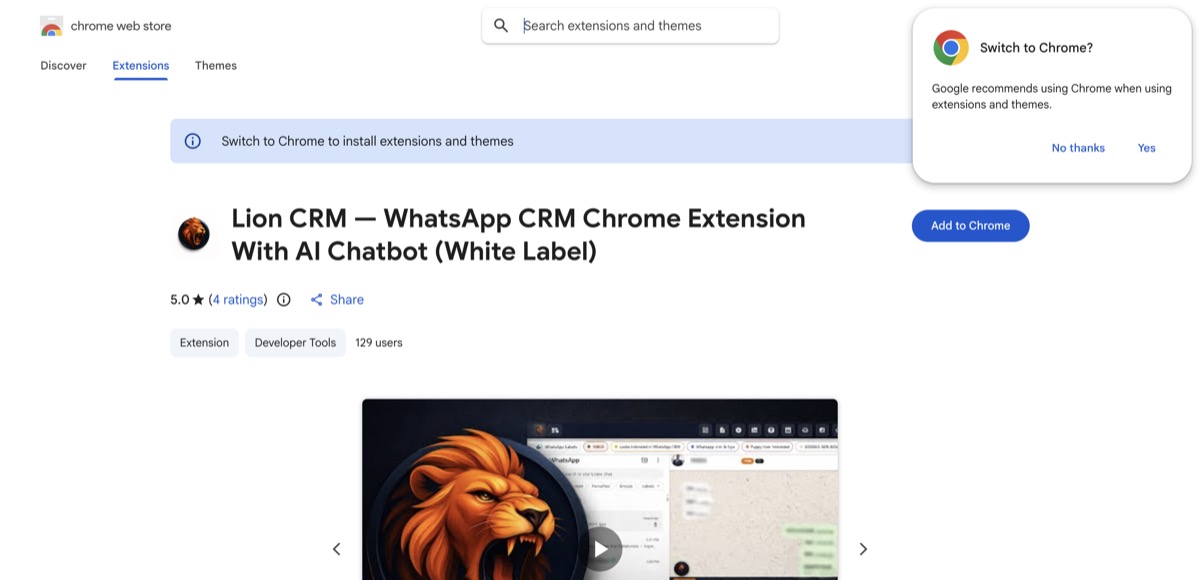
Worth a specific callout: Lion CRM has only ~129 installs, yet its long-form setup guide outranks much bigger tools on Google. Proof that for this niche, content depth beats install count.
waGpt — a basic ChatGPT wrapper
waGpt drafts replies "inspired by ChatGPT" and offers translation. It's free, and fine for casual use, but it's a single-model wrapper with no grounding in your business facts, and its Chrome Web Store standing is weak (3.0★, ~262 users). Useful as a free taste of AI-on-WhatsApp; easy to outgrow the moment you need replies that reflect your actual prices, hours or policies.
WA AI Pro Lite — our own extension
For transparency: WA AI Pro Lite is our extension. It's a managed tool — you connect by scanning WhatsApp Web (no API key, no separate bill), and it drafts AI auto-replies grounded in your own business facts, with two-way translation and voice transcription. Replies appear as drafts next to each chat so you stay in control of what sends. It also has a fuller desktop version. We've listed it alongside the others so you can judge it on the same axes rather than taking our word for it.
BYO-Key vs Managed vs ChatGPT-Wrapper: Which Setup Fits You?
Notice that the six tools split into exactly three architectures — and this, more than the model brand, shapes your experience.
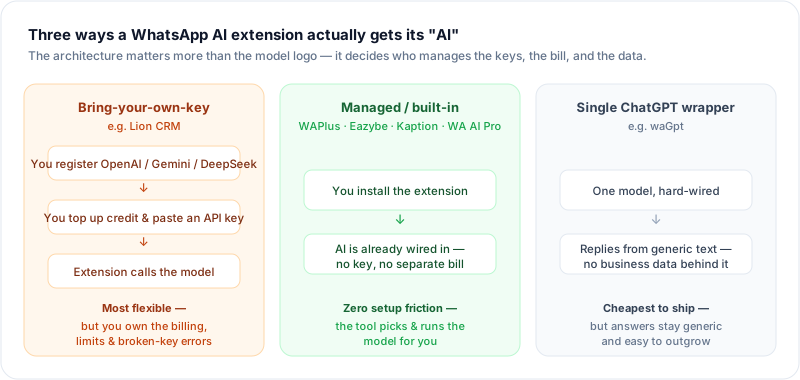
The architecture decides who manages the keys, the bill, and the data — not the model logo on the box.
- Bring-your-own-key (Lion CRM): maximum flexibility and you pay model costs at cost — but you run a second account, manage credit, and debug key/rate-limit failures.
- Managed / built-in (WAPlus, Eazybe, Kaption, WA AI Pro Lite): the tool picks and runs the model; you never see a key. Least friction, and the right default for most small businesses.
- Single ChatGPT wrapper (waGpt): one model, no business data behind it. Cheapest, but the replies stay generic.
The practical takeaway: for most people, "which model — ChatGPT, Gemini or DeepSeek?" is the wrong question. What actually drives reply quality is whether the tool can ground answers in your business data (your prices, hours, product facts), not which brand's model is named on the label. Chase grounding and low friction, not a logo.
Chrome Extension vs the WhatsApp Business API
An extension and the Business API solve different problems. The extension route wins on cost and setup: nothing to verify, no templates, no per-message charge, and it runs on your existing number. The Business API exists for scale and officialness — verified green badge, high-volume marketing broadcasts, click-to-WhatsApp ads, and multi-agent routing — and it bills per message. Under Meta's current pricing, you're charged per template message delivered, with rates varying by country and category.
Rule of thumb: if you just want smarter replies, transcription, or a light CRM on the number you already use, an extension is the cheaper, faster tool. If you need to blast approved marketing templates to thousands of opted-in contacts or carry a verified badge, that's the API's job — and no Chrome extension is a substitute. Our Business API guide walks the full trade-off.
Will an Auto-Reply Extension Get You Banned?
This is the question that should decide how you use any of these tools. WhatsApp's own policy is explicit: its products "are not intended for bulk or automated messaging, both of which have always been a violation of our Terms of Service." Accounts that blast unsolicited messages, or run fully unattended automation at volume, risk getting the number permanently banned — and appeals rarely succeed.
The risk isn't "using AI" — it's spamming. What keeps you safe is the same regardless of tool:
- Message people who actually expect to hear from you; never cold-blast purchased lists.
- Prefer tools that draft a reply for you to review and send over ones that fire fully unattended at scale.
- Keep volume human. A reply assistant answering real inbound chats behaves nothing like a bulk broadcaster — and WhatsApp's systems largely react to the latter.
If your use case is genuinely high-volume outbound marketing, that's exactly the case Meta built the Business API and its opt-in template system for — do it there, compliantly, rather than through a bulk-sender extension.
How to Set One Up
The flow is nearly identical across these extensions:
- Install the extension from the Chrome Web Store.
- Open web.whatsapp.com and link your phone by QR code, as usual.
- Sign in / configure the extension — paste an API key (BYO-key tools) or just sign in (managed tools).
- Add your business facts — hours, prices, FAQs — so replies are accurate rather than generic.
- Pick a mode — most tools let the AI draft replies for your approval before you graduate to anything more automated.
Start in draft/approve mode. Read the first few dozen replies before you trust any tool to send on its own — the accuracy gap between "generic AI" and "AI that knows your business" shows up fast. For a deeper walkthrough on your personal number, see auto-reply without the Business API.
Which Should You Pick?
- Drowning in voice notes? → Kaption.
- Want one tool for CRM, bulk and AI? → WAPlus.
- WhatsApp lives inside HubSpot/Salesforce/Zoho? → Eazybe.
- Want to plug in your own AI key (or resell white-label)? → Lion CRM.
- Just want smarter replies grounded in your own business facts, no key to manage? → a managed reply tool like WA AI Pro Lite. Compare it against the full field in our best WhatsApp AI chatbots roundup.
There's no single "best" — there's a best for your job. Match the tool to the one thing you most need it to do, and ignore the feature lists for everything you won't use.
Frequently Asked Questions
Do WhatsApp AI Chrome extensions need the Business API?
No. They connect through WhatsApp Web by QR code — the same mechanism as logging into web.whatsapp.com — so there's no Meta verification, no message templates, and no per-message fee. That's their main advantage over Business-API platforms. The trade-off is they can't do API-only things like a verified badge or compliant high-volume broadcasts.
Which WhatsApp AI extension is the best?
It depends on the job. By install base and reviews, WAPlus (70,000 users) leads as an all-rounder and Kaption (40,000) leads for voice transcription. For CRM-heavy sales, Eazybe. For a bring-your-own-key setup, Lion CRM. Pick by the single job you most need done rather than by raw popularity.
ChatGPT, Gemini or DeepSeek — which model should I use?
For most small businesses this is the wrong thing to optimize. What drives reply quality is whether the tool grounds answers in your business data — your prices, hours and policies — not the model brand. Bring-your-own-key tools (like Lion CRM) let you choose the model; managed tools (WAPlus, Eazybe, WA AI Pro Lite) pick a capable one for you so you never touch a key.
Can an AI auto-reply extension get my WhatsApp banned?
Using AI to help you answer real inbound chats is low-risk. What gets numbers banned is spamming — bulk-blasting unsolicited messages, which violates WhatsApp's Terms of Service. Stick to contacts who expect to hear from you, keep volume human, and prefer tools that draft replies for your approval over fully unattended blasting.
Are these extensions free?
Some have free tiers (WAPlus, waGpt); most charge a monthly fee (Kaption from $1.99, WAPlus paid plans $9.99–$24.90/user, Eazybe per user). Bring-your-own-key tools also cost you separate AI usage on top. Most offer a free trial, so try before committing.
Want AI replies that draft from your own business facts and let you approve each send — with no API key to manage? Add WA AI Pro Lite to Chrome and try it on your existing number.
Sources
- WhatsApp Help Center — Unauthorized use of automated or bulk messaging on WhatsApp
- Meta for Developers — Pricing on the WhatsApp Business Platform
- Chrome Web Store listings for WAPlus, Kaption, Eazybe, Lion CRM and waGpt (ratings and install counts verified July 2026)