
AI Hub: How to Make Your WhatsApp AI Actually Know Your Business
Upload your product catalog, price lists, and company docs — your AI learns everything and answers customer questions with real data, not generic responses.
Why Most AI Chatbots Give Terrible Answers
You've tried a chatbot before. Maybe on your website, maybe through some WhatsApp automation tool. And it probably responded to a customer's product question with something like: "Thanks for your interest! Let me connect you with our sales team."
That's not an answer. That's a polite way of saying "I don't know." The customer leaves, messages your competitor, and gets actual information.
The chatbot wasn't stupid — it was uninformed. It had no access to your product specs, your pricing, your shipping policies. All it could do was pattern-match keywords and spit out generic filler. Of course it failed.
This is the core problem with off-the-shelf chatbots: they know language, but they don't know your business.
What Happens When the AI Has Your Data
Same scenario, different outcome. Buyer asks: "What's the price for 500 units of your 5m LED strip lights, FOB Shenzhen?"
An AI with access to your product catalog and price list responds: "For 500 units of our 5m LED strip lights (model LS-5050), the FOB Shenzhen price is $3.50/unit. For orders above 1,000 units, the price drops to $3.20/unit. Delivery time is 15-20 days after payment. Would you like the full spec sheet?"
That's a response that moves a deal forward. The buyer gets real numbers, real timelines, and a natural next step. It happened in seconds, in whatever language the buyer wrote in.
The only difference between the useless chatbot and this one is data. Same AI engine underneath. Completely different results because one has your business knowledge and the other doesn't.
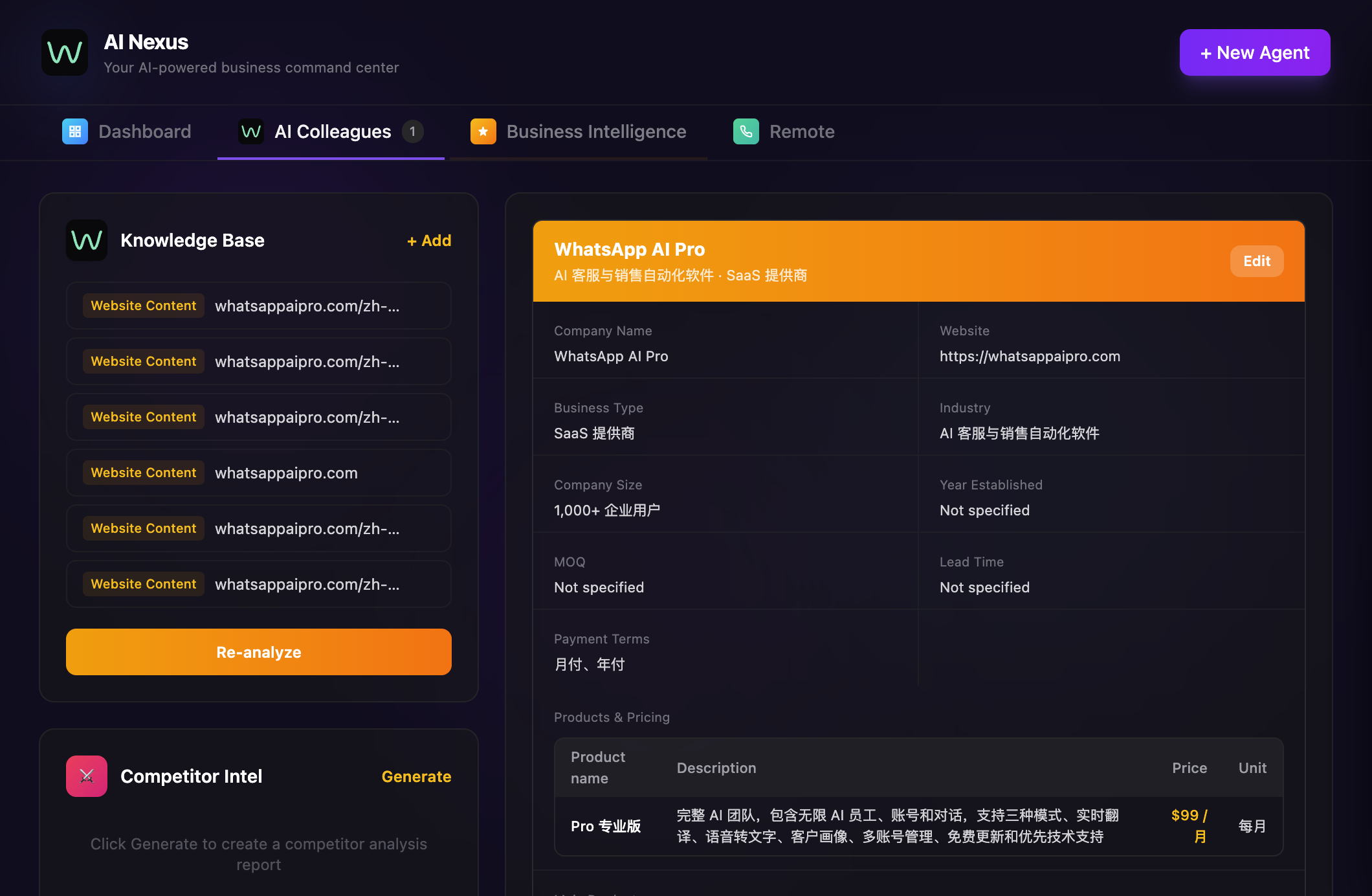
See it in action — the video below walks through uploading a knowledge base and watching the AI use it:
How the Knowledge Base Works
In WhatsApp AI Pro, the knowledge base is called AI Hub. The concept is straightforward: you feed the AI everything it needs to know about your business, and it uses that information to answer customer questions.
Three ways to add information:
Upload files. Drag in your product catalog, price list, shipping policy, company profile — PDFs, Excel files, Word docs, text files. The AI reads and indexes everything.
Paste a website URL. The AI crawls your site — product pages, about us, FAQ, shipping info — and builds knowledge from your existing content. If your website is already good, this gets you 70% of the way there in one step.
Type it directly. For policies, edge cases, or things that aren't documented anywhere. Things like "when a customer asks about competitor X, say this" or "our sample policy changed last month, here are the new terms."
What to Put In (And What Matters Most)
The quality of answers is directly tied to the quality of what you upload. Garbage in, garbage out — but also, gaps in, "let me get back to you" out.
Start with these. They cover the vast majority of buyer questions:
- Product catalog with specs and model numbers
- Price list, including tiered/volume pricing
- MOQ per product line
- Shipping terms, delivery times by region, costs
- Payment terms and sample policy
Then add these as you go:
- Competitor comparison notes (what to say when a buyer mentions a specific competitor)
- Common objections and how your team handles them
- Certifications and compliance documents
- Seasonal promotions or special offers
A practical tip: for one week, write down every question your sales team gets asked. The most frequent ones go into the knowledge base first. If you hear "do you ship to Brazil?" five times a week, that answer should be instant and automatic.
The Multilingual Part
You upload your catalog in English. A buyer writes to you in Portuguese. The AI reads your English-language knowledge base, understands the product information, and responds in fluent Portuguese with the correct specs and pricing.
You don't need to translate your documents into 15 languages. The AI handles the translation while keeping the technical details accurate. This works across Arabic, Spanish, Vietnamese, Chinese, Turkish — any of the 15+ supported languages.
For exporters, this alone justifies setting up a knowledge base. A single set of English-language documents powers accurate conversations in every language your buyers speak.
It Gets Better Over Time (If You Maintain It)
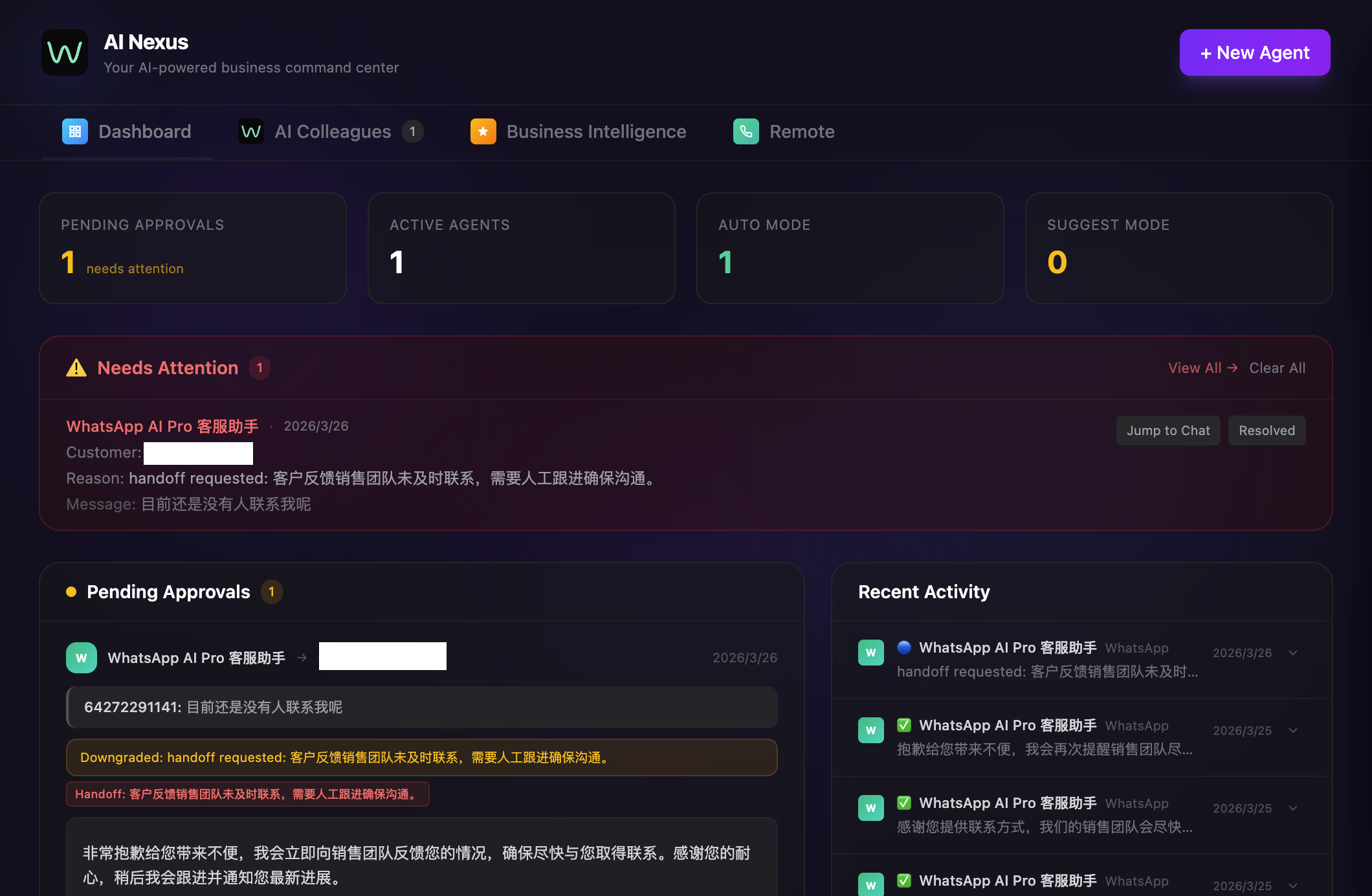
When the AI encounters a question it can't answer confidently, it flags it. Review those flags weekly. Each one tells you exactly what's missing from the knowledge base.
The typical progression: week one, the AI handles about 60% of inquiries from the knowledge base alone. By week four, after you've filled the gaps, it's up to 85%. By week eight, you're at 95%. The last 5% are genuinely unique situations — custom specs, unusual shipping requirements, edge cases that no amount of documentation would cover.
The businesses that get stuck at 60% are the ones who set up the knowledge base once and never touch it again. Thirty minutes a week of maintenance makes a dramatic difference.
The Difference It Makes
A generic AI is just a fancy auto-responder. An AI with your actual product data, pricing, and policies is a sales rep who knows your business cold, never forgets a spec, never misquotes a price, and never sleeps.
The gap between "let me get back to you" and "here's exactly what you need" is entirely about whether the AI has your data. Give it the data and the conversations change overnight.
Try WhatsApp AI Pro — 7-day money-back guarantee.